 SUMMIT CINEMA
This is a guide on how to configure Garry's Mod to allow you to watch videos from various websites, as well as YouTube Live.
It is essential to do if you want to get the full Cinema experience.
If you're curious as to what the codec fix actually does, please view this page that gives a basic overview.
Windows: You must be on Windows 8, 10 or 11. Windows 7 and earlier are not supported.
If you're already on the x86-64 beta branch, you can skip this part of the guide and go directly to Installing the CEF Codec Fix.
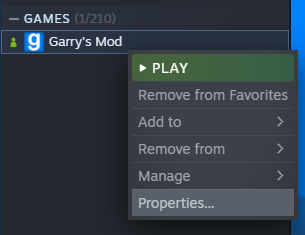
Step 1. Go to your game library on Steam, right-click Garry's Mod, and select properties.
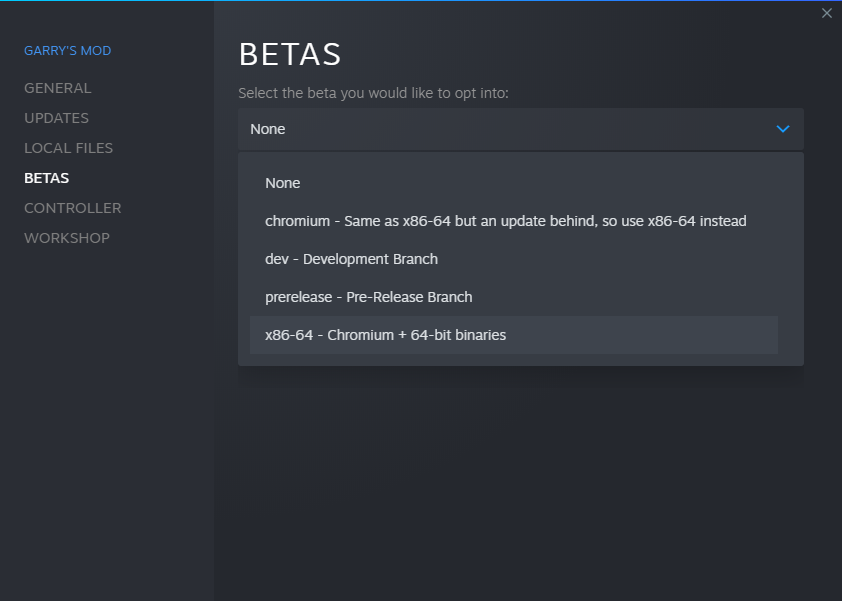
Step 2. Go to the Betas section, select the drop-down below Select the beta you would like to opt into, and select x86-64.
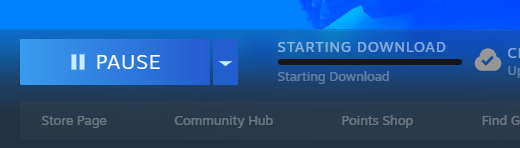
Step 3. After this, Garry's Mod will start an update. Once it's finished, x86-64 will be ready to go.
It is recommended that when the game launches, you either pick the default (Play Garry's Mod) or the 64-bit option.
As a bonus, running the 64-bit branch of Garry's Mod will drastically increase the game's performance if you have a strong CPU.
If you have not done so already, make sure you are on the x86-64 beta branch of Garry's Mod.
Step 1. Navigate to the Releases section of the CEF Codec Fix GitHub.
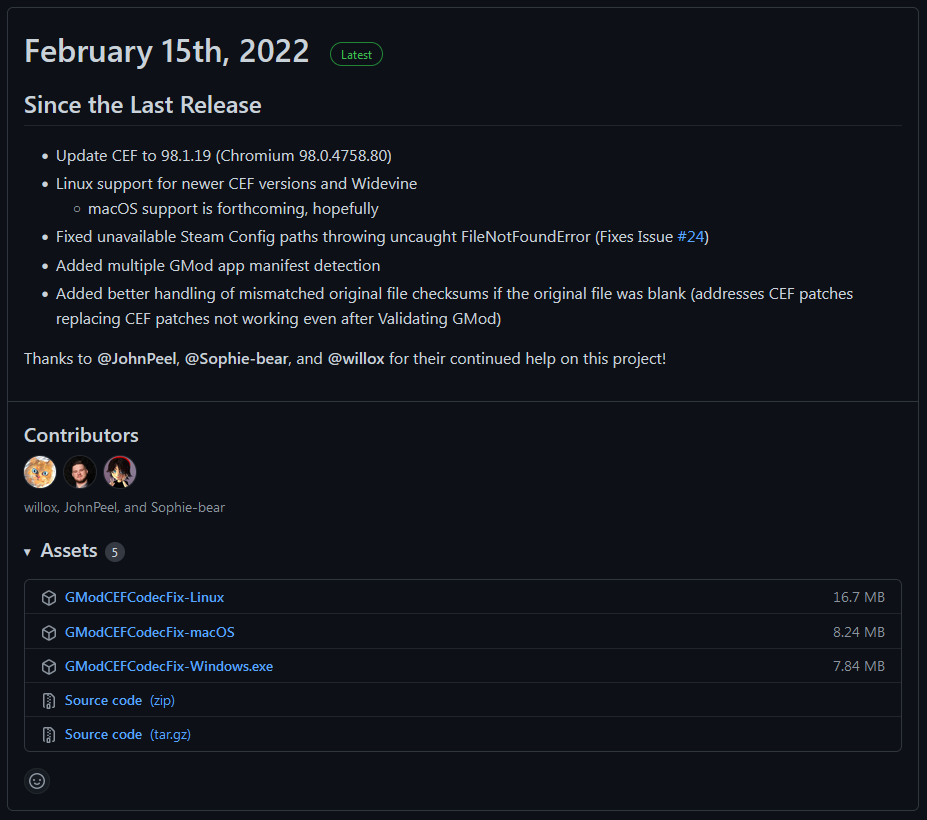
Step 2. Look for the release that has the "Latest" tag next to the title.
Under that release, look for the executable file for your operating system. Click on it to download it.
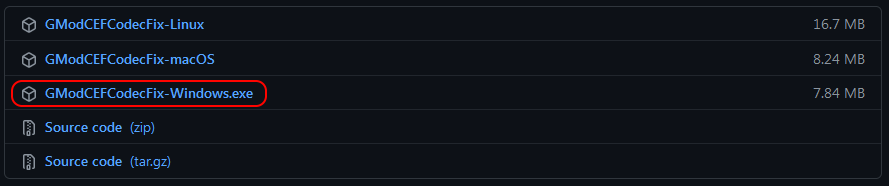
Step 3. Run the file you just downloaded.
If Windows SmartScreen filters the app, go ahead and click More Info, and then Run Anyway.
Step 4. The program will download various codec files and install them into the game's directory.
This may take a while depending on your internet speed.
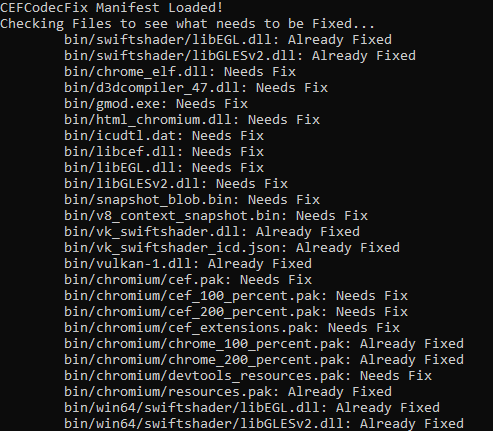
Step 5. Once the program downloads and installs all required files, it will ask you to launch Garry's Mod.
Type the appropriate number and press Enter. Garry's Mod will launch.
If you'd rather launch the game later, you can close the program.

Note: You do not need to run the codec fix program every time you want to play Garry's Mod.
You will only have to run the codec fix if the game updates, the beta branch is switched, or the game is reinstalled for any reason.